Google Is Adding 'Book Online' Buttons to Business Profiles — Is Yours Correct?
Google is adding Book Online buttons and AI booking to Business Profiles. If your business is walk-in only, the wrong button can cost you customers. Here is how to check yours — and what to fix.
In this article
Key takeaways
- Google is adding "Book Online" buttons — and AI-assisted booking — to Google Business Profiles, according to industry reporting in mid-November 2026.
- If your business does not take online bookings, or is walk-in only, a wrong or misleading button can send customers to a booking flow you never set up — or turn them away entirely.
- The fix is a short audit: check what your profile shows today, correct the booking links, and make sure the rest of your profile backs it up.
- A business with no website and no claimed profile has nothing for Google to show when customers decide.
What is changing
Your Google Business Profile is the listing that appears in Google Search and Maps when someone looks for a business like yours — your hours, your reviews, your photos, and the buttons a customer can tap to call, get directions, or visit your website.
Google is now expanding booking directly on those profiles. Reporting from the Stellar Media industry digest (week of 13 November 2026) describes Google adding "Book Online" buttons to Business Profiles, along with AI booking features that let a customer complete a reservation without ever leaving Google.
For businesses that genuinely take bookings — salons, clinics, restaurants, repair shops with scheduled appointments — this can be good news. One less step between a search and a booked customer.
But the button only helps if it is yours: connected to a booking system you actually use, showing services you actually offer, at times you are actually open.
The problem: a button you never asked for
Booking features on Google profiles are often switched on through third-party booking and scheduling providers. If your business has ever used one — or been listed by one — a booking button can appear on your profile without it being part of your daily routine.
That creates three practical risks:
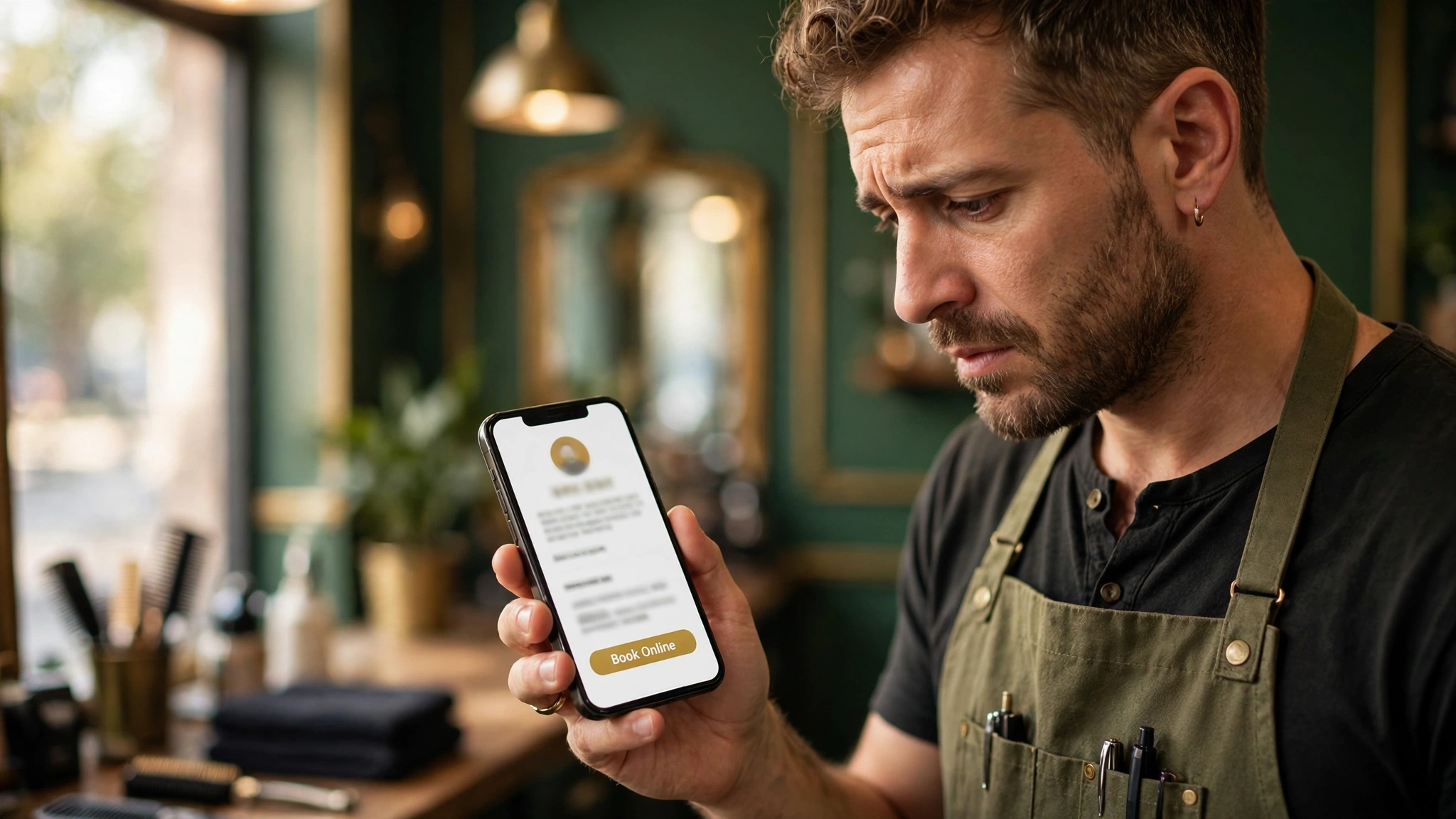
1. You are walk-in only, but your profile says "book." A customer taps the button expecting to reserve a spot. If the flow fails, shows the wrong services, or simply does not match how your shop works, they do not call to ask — they move on to the next business in the results.
2. The booking goes somewhere you do not monitor. Requests land in a system nobody checks, a customer shows up expecting an appointment, and your team has no record of it. The customer blames you, not Google.
3. Your details underneath the button are stale. Old hours, an old phone number, a website link that goes nowhere — the button draws more attention to a profile that has not been kept up, and every wrong detail costs trust.
The other side of the problem: no profile at all
The opposite mistake is just as costly. This month, two businesses that opened locally in Keene launched with a Facebook page and no website. Facebook is a fine place to announce yourself — but it is not where most customers decide. When someone nearby searches Google or Maps for what you sell, a business with no website and no claimed, completed Google profile is effectively invisible at the exact moment of decision.
Concretely, a Facebook-only launch gives up four things on day one:
- The map. Google Maps results are built from Business Profiles. No profile, no pin — and "near me" searches are how nearby customers with money in hand find somewhere to go.
- The call and the directions. A complete profile puts a call button and directions in front of the searcher. A Facebook page asks them to work much harder.
- The reviews that decide. Customers read reviews where they search. Reviews collected only inside a social app do not appear at the moment of decision.
- The facts, stated once. Opening hours, services, address and website, maintained in one place and shown everywhere Google reaches. A social page answers some of that, sometimes, for people already following you.
A profile you control — correct hours, correct services, a working website link, and the right buttons — is the minimum cost of being found.
How to check your own profile (10 minutes)
- Search your business name on Google the way a customer would, on your phone. Look at your profile as it actually appears — not how you remember setting it up.
- Note every button shown: Call, Directions, Website — and any Book or Order buttons. Tap each one. Where does it go? Is it a system you use?
- If a booking button exists and should not, sign in to your Google Business Profile manager and review the booking links and provider connections. Remove providers you no longer use. If you do take bookings, confirm the link lands on your live booking page.
- Check the basics underneath: hours (including holiday hours), phone number, address, services list, and your website URL. Try the website link — does it load, on a phone, quickly?
- Look at your photos and reviews. A correct button on a neglected profile still underperforms. Recent photos and answered reviews are what turn a tap into a visit.
If you cannot access the profile manager, that is the first thing to fix — you cannot correct what you do not control. Claiming and verifying the profile comes before everything else.
How to fix a wrong Book Online button
If the check turns up a booking button that should not be there — or one that points at the wrong system — work through this in order:
- Sign in to the Google account that manages the profile and open the Business Profile manager. If nobody on your team can get in, recover access and claim the profile first; every later step depends on it.
- Open the profile's edit view and find the booking settings. Google surfaces booking links and connected providers in the profile's links/booking area. Note exactly which provider the button is connected to — the button is only a doorway; the provider behind it is the actual problem.
- Remove or replace the connection. If you no longer use that provider, disconnect it in the profile and close it out in the provider's own dashboard — a connection left alive at the provider's end can reappear. If you do take bookings, replace the link with your live booking page and confirm the destination loads.
- If the button came from a scheduling tool you still use, check the services and hours it exposes. The tool, not Google, decides which services show as bookable and when. Trim it to services you genuinely schedule, at hours you genuinely work.
- Wait, then re-check as a customer. Changes can take time to propagate. Then search your business on a phone — ideally signed out — and follow the flow to the end, the way a stranger would. If it confirms an appointment nobody will see, it is still wrong.
- Write down who owns the profile. Most "mystery button" problems trace back to a login nobody remembers, held by a former employee or an old vendor. Record the managing account with your other business credentials.
And if your business should have the button: the same steps, in reverse. Connect the booking system you actually run, expose only real services, and test the complete flow yourself before a customer does.
A short GBP audit checklist
Whether or not booking buttons affect you, this is the ten-point pass we recommend every quarter — and after any change Google rolls out:
- Business name, address and phone exactly as they appear everywhere else you are listed
- Regular hours and holiday hours current
- Website link live, mobile-friendly, and pointing at the right page
- Every action button (Call, Directions, Website, Book, Order) tapped and tested
- Booking providers connected — and only the ones you use
- Services list complete, with prices where you publish them
- Primary category correct; secondary categories accurate
- Recent photos of the real premises, team and work
- Every review answered, including the awkward ones
- Q&A section checked for outdated or wrong answers
Ten points, half an hour, once a quarter — the difference between a profile that quietly sells for you and one that sends customers elsewhere.
Where Emposola comes in
This is exactly the kind of quiet change that costs local businesses customers without any announcement. Emposola's Google Business Profile audit covers the full check: booking buttons and provider links, hours and contact details, services, photos, reviews, and how your profile connects to your website. If you do not have a website or a claimed profile yet, we set both up properly — so when Google adds the next button, it points where you want it to.
Book a free strategy call at emposola.com/book and we will walk through what your profile shows today — and what it should show instead.
Sources: Stellar Media industry digest, week of 13 November 2026 (Google Business Profile "Book Online" buttons and AI booking rollout). Local observation: new Keene business openings, November 2026.
Comments (0)
- No comments yet.
Sign in to join the conversation.
Keep reading
Related articles
 Trending
Marketing
Google's October 2026 AI Mode Update: What It Changes for Small Business Websites Trending
Marketing
"Your Algorithm" Is Here: What User Feed Controls Mean for Brands on Social Media Evergreen guide
Marketing
Google Business Profile Basics Every Local Business Should Get RightThe Emposola Journal, by email
Get the next practical guide in your inbox
One email when a new guide lands — websites, AI, marketing and the systems behind growth. No spam, unsubscribe any time.
Put this into practice
Turn the ideas in this article into a working plan.
Bring us the challenge behind your next website, automation or operations improvement. We will suggest a practical next step, with no obligation.